
Introduction
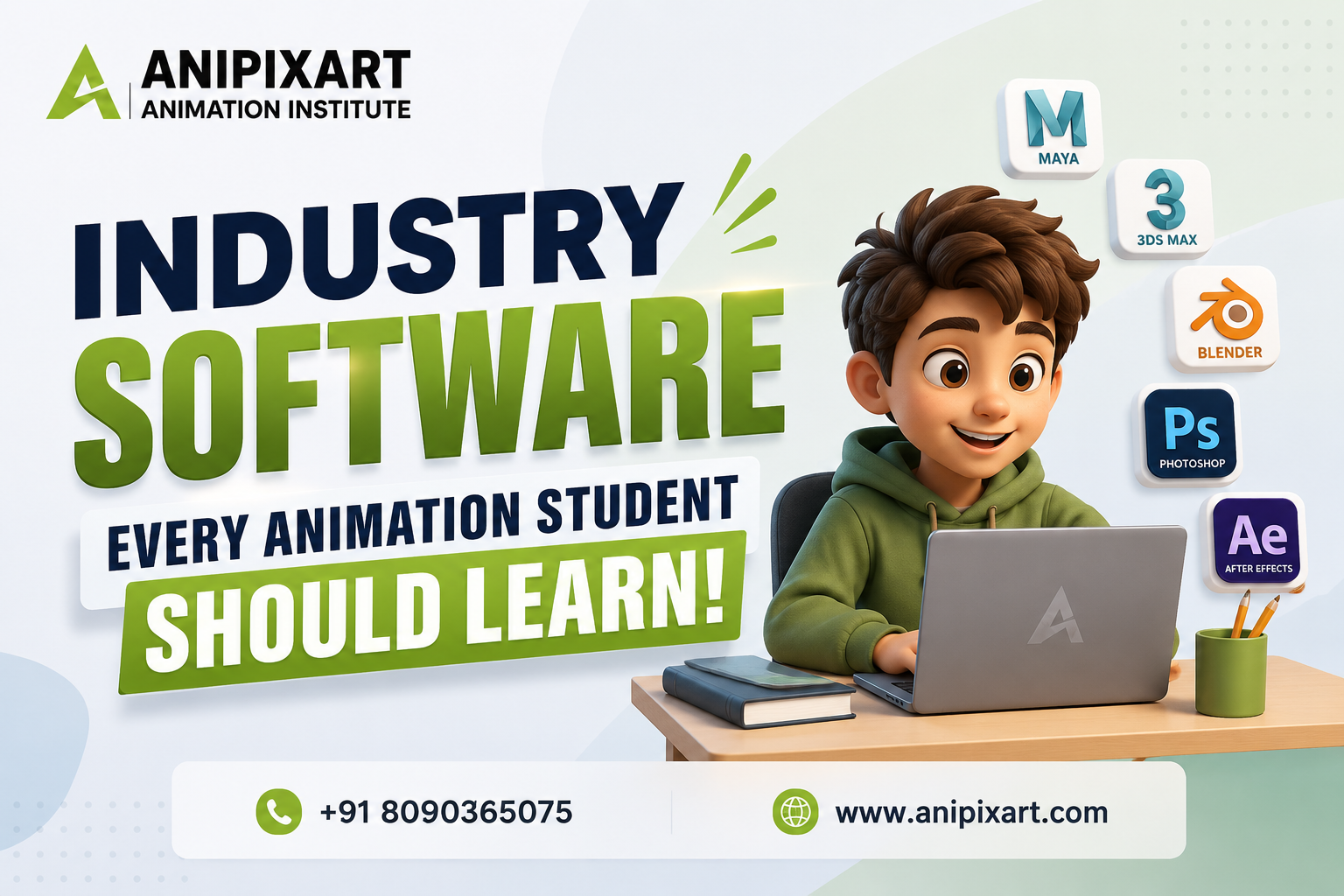
The animation industry is evolving faster than ever, and studios today expect students to be familiar with professional animation software before entering the job market. Whether your dream is to become a 2D Animator, 3D Artist, VFX Compositor, Game Designer, Motion Graphics Artist, or Video Editor, mastering the right software can significantly improve your career opportunities.
However, many beginners make the mistake of learning only one application. In reality, animation studios use a complete production pipeline where multiple software applications work together. A character may be designed in one application, modeled in another, animated somewhere else, textured using a different tool, and finally edited and rendered using professional video editing software.
This is why choosing the right animation software is one of the most important decisions for every student. Learning industry-standard tools not only helps you build a stronger portfolio but also prepares you for internships, freelance opportunities, and full-time studio jobs.
If you’re planning to build a successful creative career, understanding which software professionals use is the first step. Let’s explore the most important industry software every animation student should learn.
Which Animation Software Should Every Animation Student Learn?
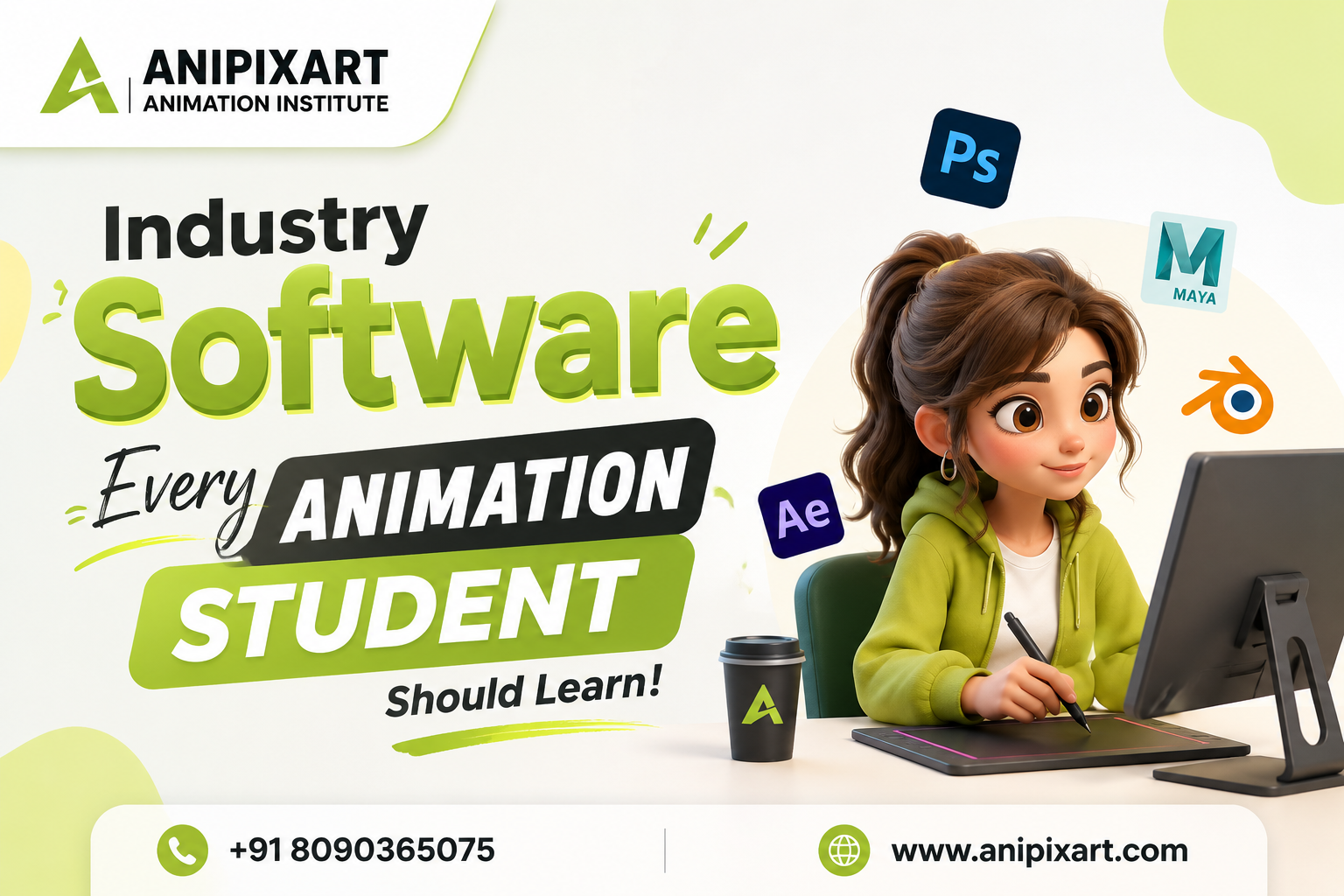
Every animation student should learn professional animation software such as Adobe Photoshop, Adobe Illustrator, Autodesk Maya, Blender, Adobe After Effects, Adobe Premiere Pro, ZBrush, Substance Painter, Houdini, and Unreal Engine. These tools are widely used across animation, VFX, gaming, motion graphics, and video production. Learning multiple software applications makes students industry-ready and improves placement opportunities.
Key Takeaways
- Learn more than one animation software to become industry-ready.
- Autodesk Maya remains one of the most preferred 3D animation software in studios.
- Blender is an excellent free software for beginners and professionals.
- Adobe Photoshop and Illustrator are essential for concept art and character design.
- Adobe After Effects is widely used for motion graphics and compositing.
- Premiere Pro helps in professional video editing.
- Substance Painter creates realistic textures for games and animation.
- Houdini is the preferred VFX software for simulations.
- Unreal Engine is transforming animation and virtual production.
- A professional institute teaches both software skills and project-based learning.
Essential Animation Software Every Student Should Learn
1. Adobe Photoshop
Photoshop is among the most widely used animation software tools for digital artists. Although it is primarily an image editing application, it plays a major role in animation production, helping create concept art, textures, storyboards, visual assets, and creative design workflows.
Students use Photoshop for:
- Character sketching
- Digital painting
- Background creation
- Texture editing
- Matte painting
- Storyboarding
Nearly every animation studio expects artists to know Photoshop because it supports multiple creative workflows.
2. Adobe Illustrator
Illustrator is another important software for animation students. It is mainly used for vector artwork.
Students learn Illustrator for:
- Logo design
- Character illustrations
- Vector graphics
- UI assets
- Motion graphics preparation
Illustrator files integrate smoothly with After Effects, making it an essential tool for motion graphics artists.
3. Autodesk Maya
When discussing professional animation software, Autodesk Maya is impossible to ignore.
Maya is widely used by animation studios for:
- 3D Modeling
- Character Rigging
- Character Animation
- Lighting
- Rendering
- Dynamics
Many blockbuster films, TV commercials, and animated series are created using Maya. Learning this software greatly increases employability in the animation industry.
4. Blender
Blender has become one of the fastest-growing animation software platforms worldwide.
Its advantages include:
- Free to use
- Powerful 3D modeling
- Animation
- Sculpting
- Rendering
- Simulation
- Motion Tracking
- Video Editing
Many freelancers, startups, and independent studios now use Blender due to its flexibility and continuous updates.
5. Adobe After Effects
After Effects is the backbone of motion graphics and visual effects.
Students use this software for:
- Motion Graphics
- Title Animation
- Logo Animation
- Visual Effects
- Compositing
- Social Media Videos
Professionals in advertising agencies, YouTube production houses, and television channels rely heavily on After Effects.
6. Adobe Premiere Pro
Animation projects are incomplete without professional editing.
Premiere Pro helps students learn:
- Video Editing
- Audio Synchronization
- Color Correction
- Export Settings
- Final Project Editing
Learning Premiere Pro allows students to complete the entire post-production workflow independently.
7. ZBrush
ZBrush is an advanced sculpting software widely used in films and gaming.
Students create:
- High-resolution characters
- Creatures
- Fantasy models
- Human anatomy
- Digital sculptures
Many gaming studios expect character artists to know ZBrush.
8. Substance Painter
Modern animation and gaming demand realistic textures.
Substance Painter helps students create:
- Realistic materials
- Metallic surfaces
- Fabric textures
- Weathering effects
- Game-ready assets
It is now considered an essential industry software for texturing artists.
9. Houdini
Houdini is among the most advanced VFX software available today.
It specializes in:
- Fire
- Smoke
- Water
- Explosions
- Particle Effects
- Destruction Simulations
Many Hollywood productions use Houdini for complex visual effects.
10. Unreal Engine
Unreal Engine has transformed animation and gaming production.
Students can use it for:
- Game Development
- Virtual Production
- Cinematics
- Architectural Visualization
- Real-time Rendering
Studios increasingly demand Unreal Engine skills due to faster production pipelines.
Why Learning Multiple Animation Software Matters
Animation production is a team effort where different departments use different software.
For example:
- Designers create artwork in Photoshop.
- Illustrators prepare vector assets in Illustrator.
- Modelers build characters in Maya or Blender.
- Sculptors enhance models in ZBrush.
- Texture artists work in Substance Painter.
- Animators animate in Maya or Blender.
- VFX artists create simulations in Houdini.
- Editors finalize videos in Premiere Pro.
- Motion Graphics artists use After Effects.
- Game developers use Unreal Engine.
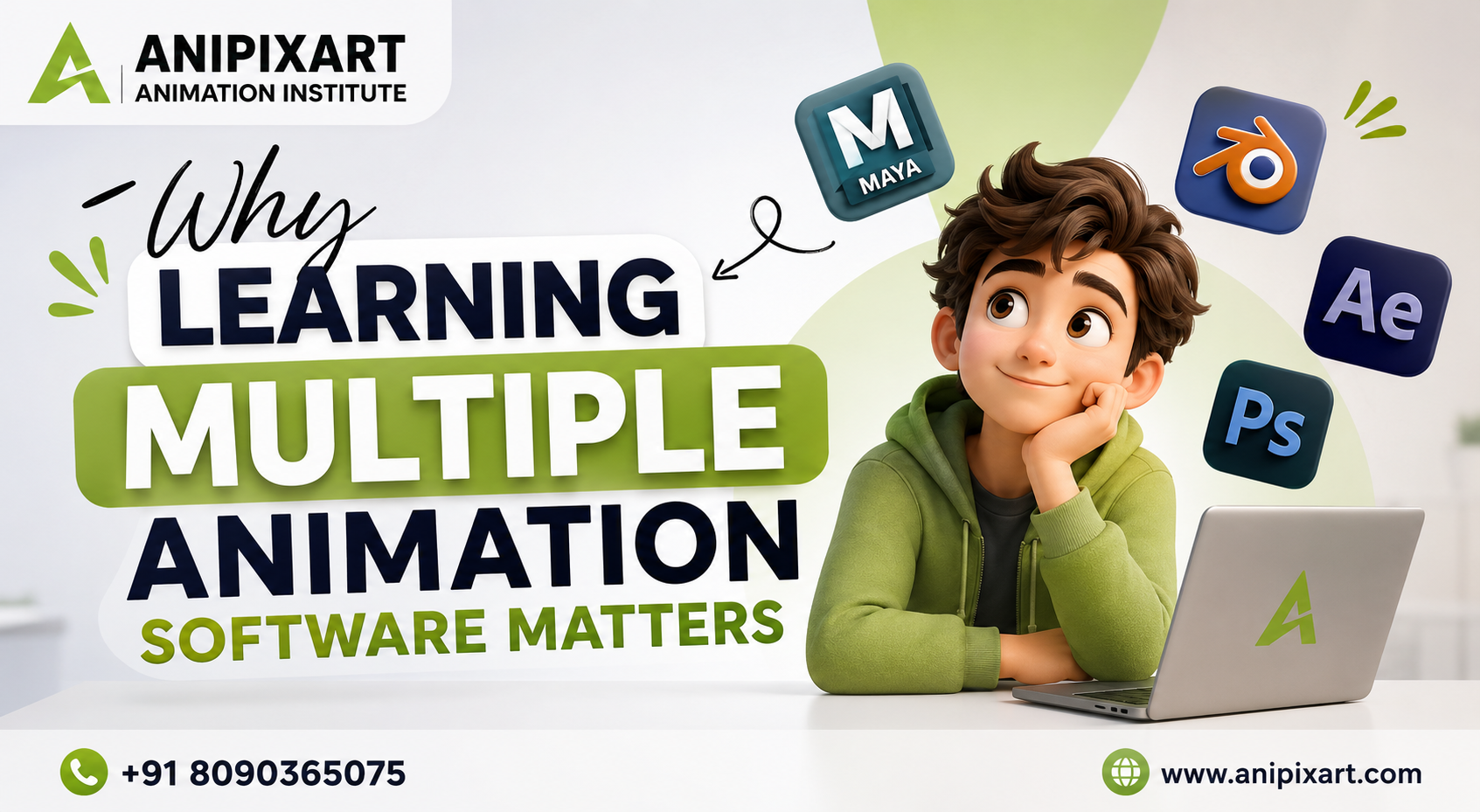
Learning multiple animation software applications helps students understand the complete production workflow, making them more valuable to employers.
Course Duration
The duration of an animation course depends on the specialization and career goals.
Generally:
- Certificate Courses: 3–6 months
- Diploma Courses: 6–12 months
- Advanced Diploma Programs: 12–24 months
- Degree Programs: 3–4 years
Professional institutes combine software training with live projects, portfolio development, interview preparation, and placement assistance to prepare students for the industry.
Course Fees
Animation course fees vary according to the institute, course duration, infrastructure, and placement support.
Typical fee ranges include:
- Short-term certificate courses
- Diploma programs
- Advanced diploma courses
- Degree programs
Rather than choosing the lowest fee, students should evaluate the quality of training, experienced mentors, industry software coverage, practical projects, and placement support.
If you’re looking for comprehensive training on professional animation software, choosing the best animation institute in Lucknow can provide better long-term career value through practical learning and industry exposure.
Career Scope
The demand for skilled animation professionals continues to grow across multiple industries.
After mastering professional animation software, students can work as:
- 2D Animator
- 3D Animator
- Character Artist
- Environment Artist
- Motion Graphics Designer
- Video Editor
- Graphic Designer
- VFX Artist
- Compositor
- Game Artist
- UI Designer
- Texture Artist
- Lighting Artist
- Rendering Artist
- Freelance Animator
Apart from entertainment, animation professionals are hired by advertising agencies, gaming companies, e-learning platforms, healthcare organizations, architectural firms, media houses, and digital marketing agencies.
The increasing use of AI-assisted workflows is also creating new opportunities for artists who combine creativity with advanced animation software skills.
Salary
Salary depends on software expertise, portfolio quality, experience, and company size.
Approximate salary ranges in India:
| Experience | Average Annual Salary |
|---|---|
| Fresher | ₹2.5–4.5 LPA |
| 1–3 Years | ₹4–7 LPA |
| 3–5 Years | ₹7–12 LPA |
| Senior Professionals | ₹12–20+ LPA |
Freelancers working with international clients can often earn significantly more depending on their specialization and project complexity.
Students who master multiple animation software tools generally enjoy better career growth because they can work across different creative domains.
Conclusion
Success in animation is not about learning a single software application—it is about understanding the complete production pipeline. Professional studios expect artists to collaborate across departments using multiple industry-standard tools.
By learning Photoshop, Illustrator, Maya, Blender, After Effects, Premiere Pro, ZBrush, Substance Painter, Houdini, and Unreal Engine, students become capable of handling diverse creative projects and adapting to industry requirements.
Whether your goal is animation, VFX, gaming, motion graphics, or video production, investing time in mastering professional animation software can open doors to rewarding career opportunities in India and abroad.
FAQs
1. Which animation software is best for beginners?
Blender is one of the best animation software options for beginners because it is free, powerful, and widely used.
2. Is Autodesk Maya better than Blender?
Both are excellent. Maya dominates many large studios, while Blender is increasingly popular among freelancers, startups, and independent creators.
3. Which software is used for VFX?
Houdini, Adobe After Effects, Autodesk Maya, and Nuke are among the most commonly used VFX software applications.
4. Do animation institutes teach all industry software?
Good institutes typically cover multiple software applications along with practical projects, portfolio development, and placement preparation.
5. Can I get a job by learning only one animation software?
Learning one tool is helpful, but employers generally prefer candidates familiar with several industry-standard software applications.
6. Which software is used in the gaming industry?
Blender, Maya, ZBrush, Substance Painter, and Unreal Engine are widely used in game development.
7. Is animation a good career in India?
Yes. The demand for skilled animation professionals is growing in films, OTT platforms, gaming, advertising, education, architecture, and digital media.
8. Which institute is best for learning animation software in Lucknow?
Look for an institute that provides industry-standard software training, live projects, portfolio development, experienced mentors, and strong placement support.
Anipixart Animation Institute
Phone number- +91 8090365075 or +91 9519910609
Website- www.anipixart.com
OUR GALLERY


HAVE A LOOK AT WHAT OUR STUDENTS SAY-
